January 15th, 2026
Memex v2 Update 3: Tag Folders
Before Christmas we rebuilt Memex from scratch and are quickly catching up to the old feature parity plus long awaited improvements (& minus some intentional removals like sharing/collaboration - for now)
We’ve done too much in the past, leading to bloat, complicated UX and hard to maintain code base. You felt it: things were buggy, slow and some features immature.
Now we focus on one workflow:
Summarize & capture valuable content and make full use of it via semantic searches and MCP/API/Integrations. (2min video overview)
All existing subscribers, please reach out via the chat so I can migrate your subscription over. Your existing data will be moved once we stabilise Memex v2.
Memex v2 features
Capture & highlight websites, YouTube, Twitter, Reddit, LinkedIn, Images, (soon PDFs again)
Full Text Search & AI/semantic-search
Summarize & Chat with anything with Cursor-like interface to custom load context with simple @mentions
Query all Memex data via MCP endpoints for seamless integrations into ChatGPT/Claude/Gemini and agentic workflows.
Lightening fast and reliable sync (old one was homegrown, now Firebase’s offline sync)
Credits based pricing model that allows flexible use of all features, and varying degree of usage frequency and intensity. Starting at $6 per month or $10 one time-pay-as-you
»»DOWNLOAD IT HERE««
New features added this week
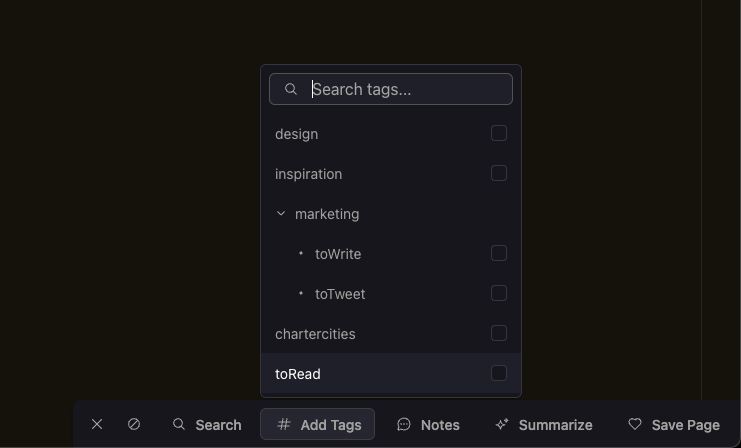
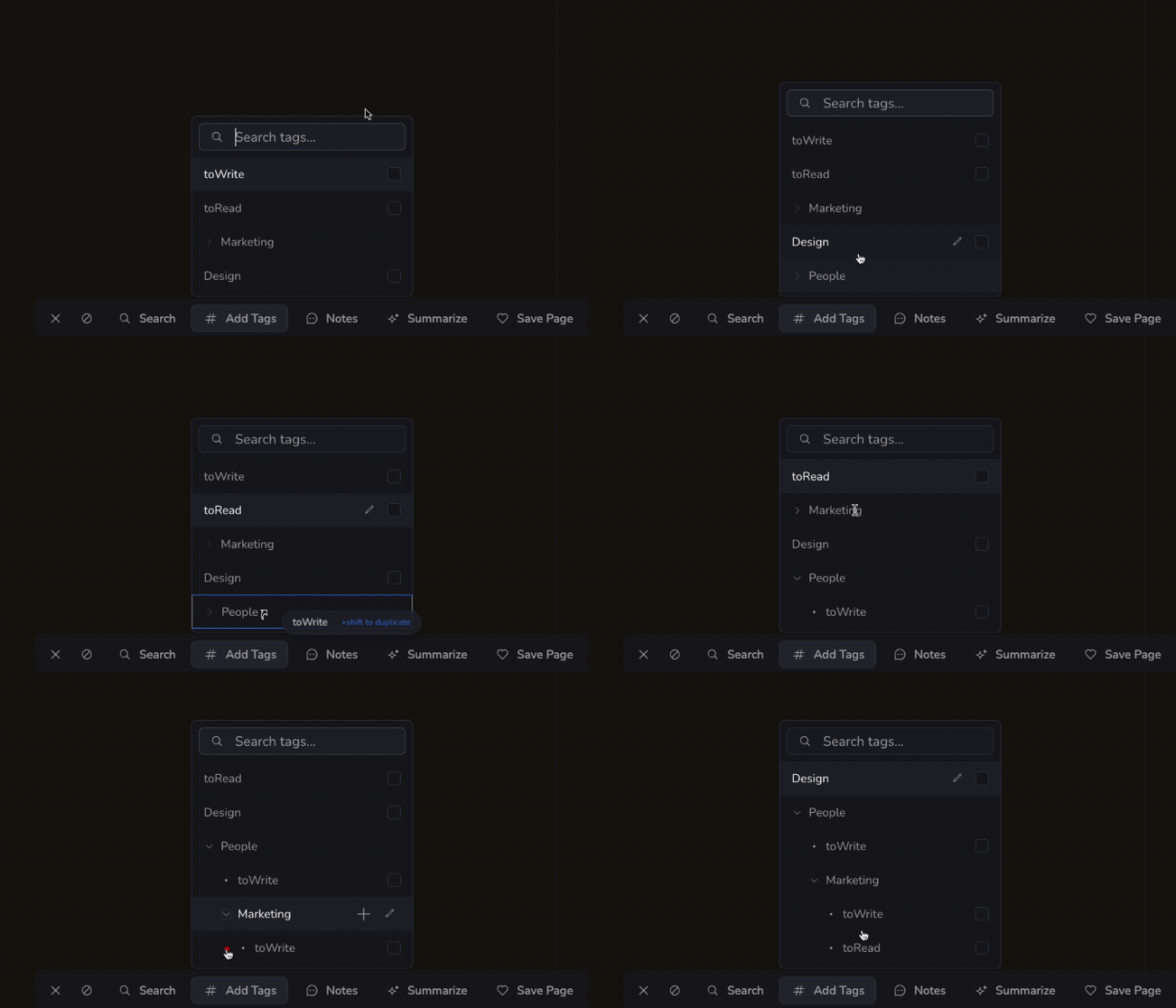
Tag Folders (now much simpler)
You can now organise Tags in Folders and Sub-Folders.
Tags can also be placed into multiple folders by pressing shift+drag/drop. This was not possible in the old “Spaces & Tags” data hierarchy of the previous Memex. We listened!
Whats next:
Web app to access your saved stuff everywhere
Bookmarklet to save & annotate anything on any browser without the extension (works on desktop and mobile)
Mobile app for iOS and Android
Obsidian Integration
Rest & Webhook API