Changelog

Follow new updates and improvements to Memex.

January 28th, 2026

New Features

1. Online Dashboard via memex.garden/dashboard

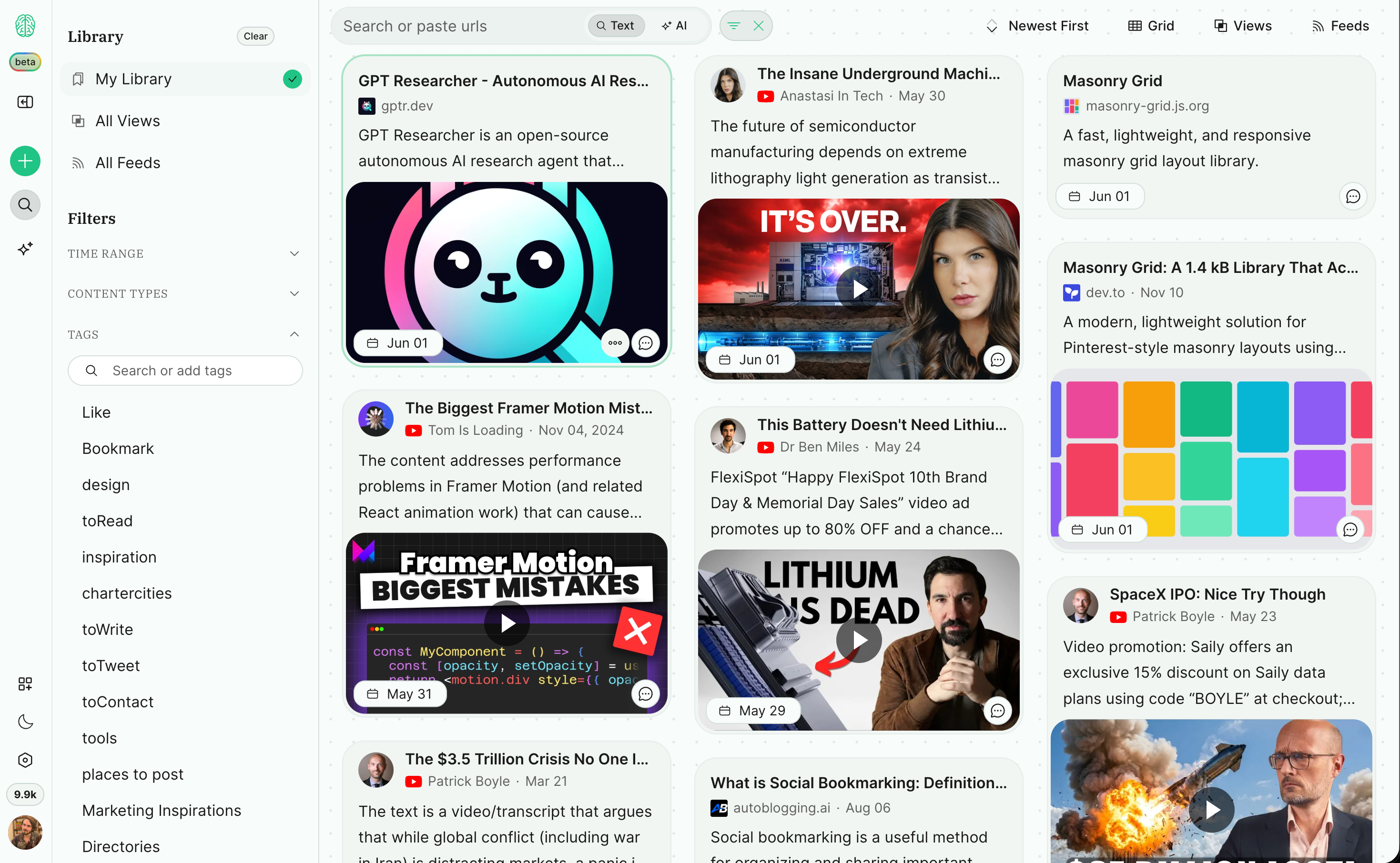
An online dashboard and a full design upgrade for the search interface. If you’re looking for an alternative to NotebookLM this might be it!

Watch: https://youtu.be/X5_h-lPpavo

!!! IMPORTANT NOTE: FOR THE SEARCH IMPROVEMENTS TO TAKE EFFECT, GO TO SETTINGS > RECREATE INDEX

2. 5-10x Price drop for vector search

We were able to swap out our initial solution for providing semantic search (supermemory) and use our own vector embeddings now with the best model on the market, effectively enabling a 6x price drop and as a result the ability to semantically index all content you save which drops the price from ~12-20 credits per fully indexed page to 2-3credits. (really depends also on how long the content is you save. (we do some summarisation and analysis before the indexing to keep costs as low as possible while aiming to keep quality of retrieval high)

Quality of Life improvements

Copy AI chat output as Markdown, Rich Text and HTML

Added dedicated filters for X bookmarks, like and retweets

Click-through to references

Opens highlights and chat references now automatically in page if the extension is installed (highlights also without)

Mini Player for youtube search and AI chat references

Input needed:

Obsidian Integration

We’ve started on planning out the Obsidian integration and already got some good feedback from some of you on how that should look like.
It would be great to get more input on the workflows you want to see.

This is what we got so far in priority:

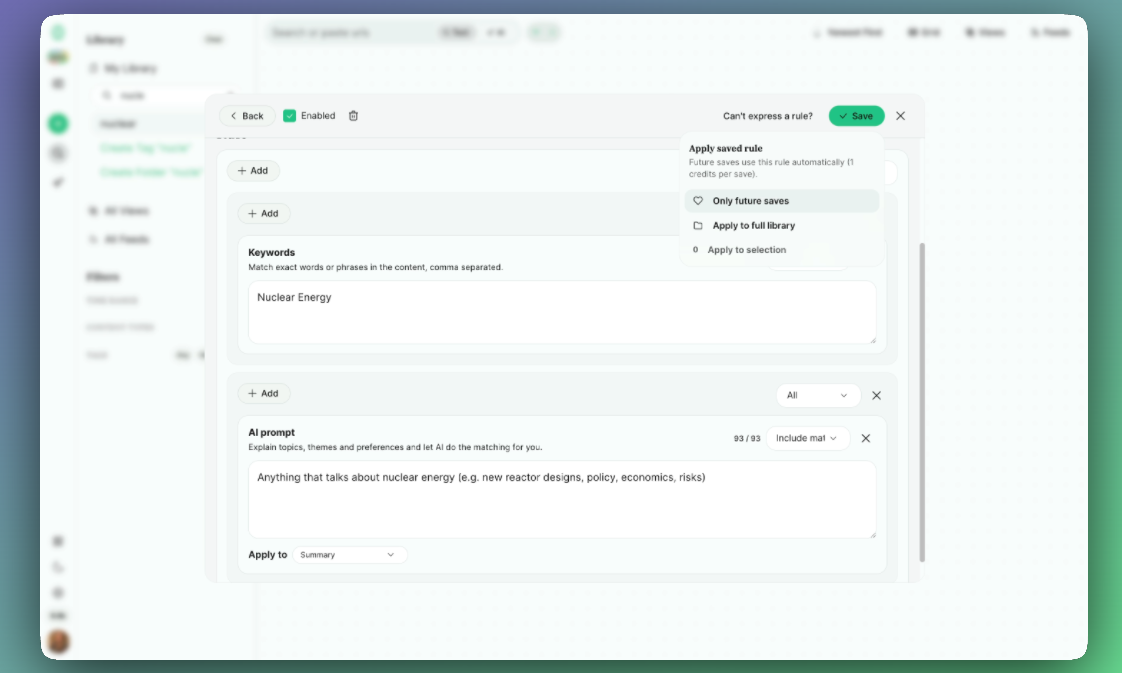
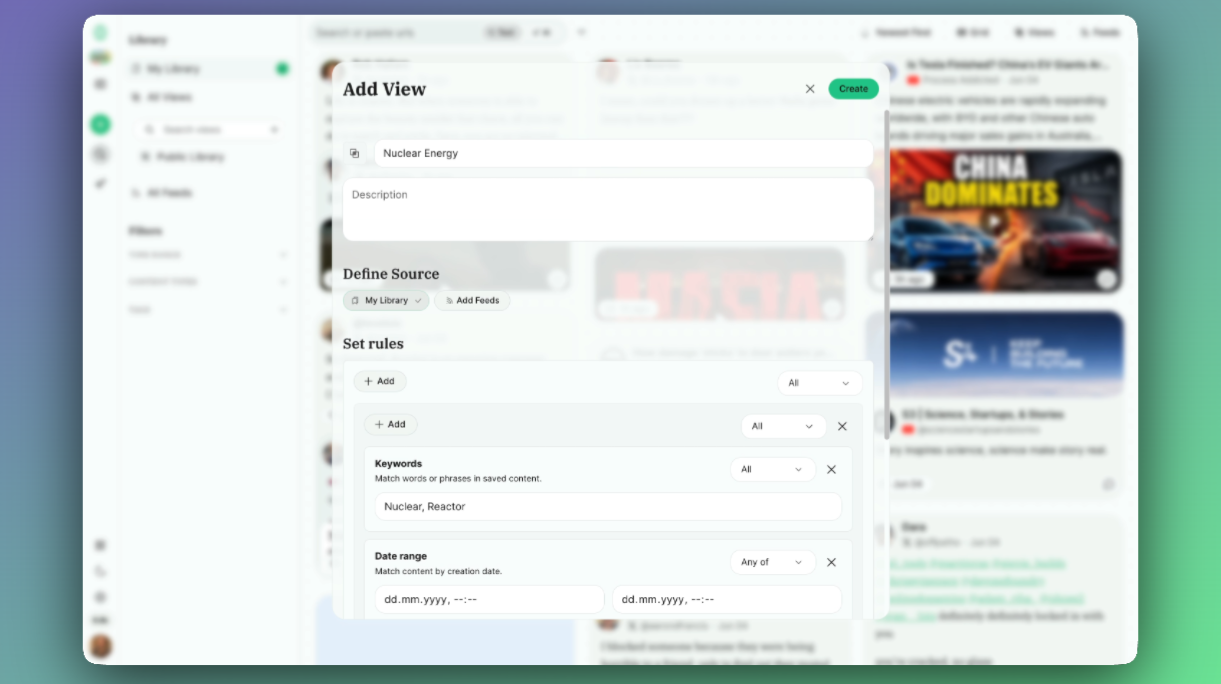
  • Inline display of dynamic tables representing custom search queries (e.g show me a list of all the stuff I tagged with “nuclear-energy” on my article about the state of Nuclear in 2026.

  • Searching your Memex from inside Obsidian to directly reference content

  • Exporting saved pages and annotations

I’d appreciate the input in Obsidian Integration

Stability and reliability

Done

  • Comprehensive test coverage of everything related to saving content

  • Error message for any errors related to saving content so you never end up in a situation where things might not work and in the worst case you wouldn’t even know.

  • Improved Auth and pricing flows

General Note

I have to be real with myself that in the last iteration of Memex one key mistake we made was shipping too fast, always in a rush to get the next feature out, thinking it would unlock new user growth. The result: Every new update broke things left and right. The code became a mess.

…basically against every startup advice for a good reason.

In this iteration our key focus is: Limit the amount of details, get every detail perfect.

In practice this means: Shipping quality over shipping speed, automated tests for everything we can.

There is this great video by Jack Dorsey talking about this:

https://x.com/mrexits/status/1908248564901568985

That being said: We are still early in this Memex rebuild and things might have unexpected bugs and some things are not testable. So please let us know if you run into issues.

It’s our #1 priority to squash those pesky bugs so do let us know via the chat and we’ll fix them within minutes or hours, no days.

Whats next:

1. Make search great

In the theme of delivering the best quality and not just move on to the next big feature we can we will now focus on improving the search quality which will have impact on both the retrieval inside the app, but also for the MCP server, the upcoming Obsidian integration (search from within Obsidian), mobile search and API search access.

2. Obsidian Integration

Follow updates and add your feedback here: Obsidian Integration

3. Mobile app

Follow updates and add your feedback here Mobile app to save and search

See you at the next Update

~Oliver

January 15th, 2026

Before Christmas we rebuilt Memex from scratch and are quickly catching up to the old feature parity plus long awaited improvements (& minus some intentional removals like sharing/collaboration - for now)

We’ve done too much in the past, leading to bloat, complicated UX and hard to maintain code base. You felt it: things were buggy, slow and some features immature.

Now we focus on one workflow:

Summarize & capture valuable content and make full use of it via semantic searches and MCP/API/Integrations. (2min video overview)

All existing subscribers, please reach out via the chat so I can migrate your subscription over. Your existing data will be moved once we stabilise Memex v2.

Memex v2 features

  • Capture & highlight websites, YouTube, Twitter, Reddit, LinkedIn, Images, (soon PDFs again)

  • Full Text Search & AI/semantic-search

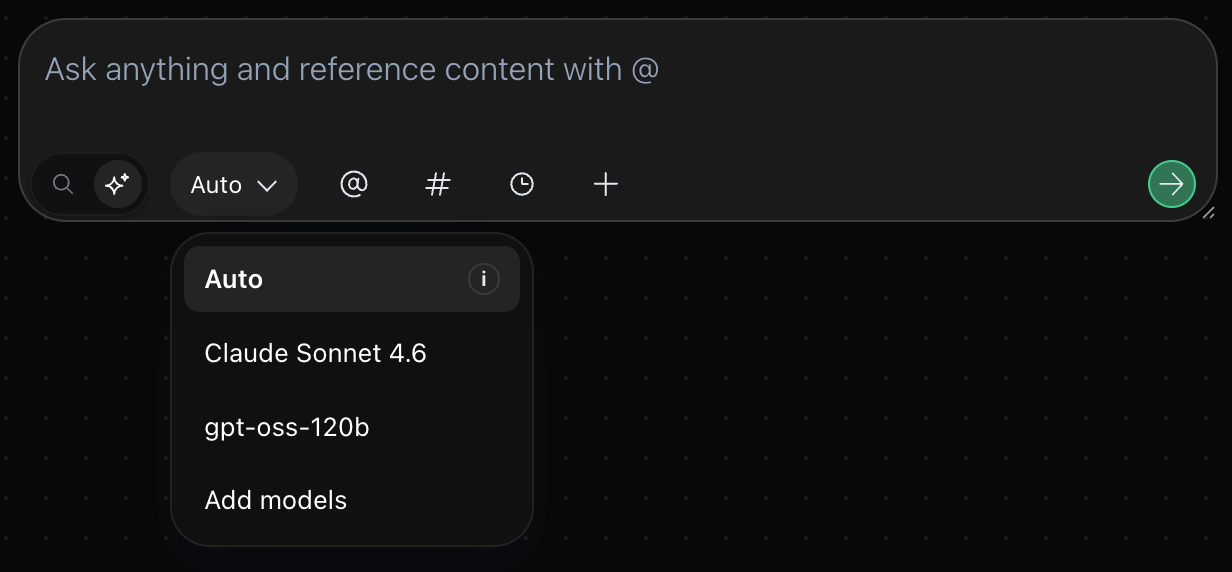
  • Summarize & Chat with anything with Cursor-like interface to custom load context with simple @mentions

  • Query all Memex data via MCP endpoints for seamless integrations into ChatGPT/Claude/Gemini and agentic workflows.

  • Lightening fast and reliable sync (old one was homegrown, now Firebase’s offline sync)

  • Credits based pricing model that allows flexible use of all features, and varying degree of usage frequency and intensity. Starting at $6 per month or $10 one time-pay-as-you

»»DOWNLOAD IT HERE««

New features added this week

Tag Folders (now much simpler)

You can now organise Tags in Folders and Sub-Folders.
Tags can also be placed into multiple folders by pressing shift+drag/drop. This was not possible in the old “Spaces & Tags” data hierarchy of the previous Memex. We listened!

Whats next:

  • Web app to access your saved stuff everywhere

  • Bookmarklet to save & annotate anything on any browser without the extension (works on desktop and mobile)

  • Mobile app for iOS and Android

  • Obsidian Integration

  • Rest & Webhook API

January 8th, 2026

Before Christmas we rebuilt Memex from scratch and are quickly catching up to the old feature parity plus long awaited improvements (& minus some intentional removals like sharing/collaboration - for now)

We’ve done too much in the past, leading to bloat, complicated UX and hard to maintain code base. You felt it: things were buggy, slow and some features immature.

Now we focus on one workflow: Summarize & capture valuable content and make full use of it in other tools via MCP/API/Integrations. (2min video overview)

PS: All existing subscribers, please reach out via the chat so I can migrate you over. Your existing data will be moved over once we stabilise the Memex v2.

Memex v2 features

  • Capture & highlight websites, YouTube, Twitter, Reddit, LinkedIn, Images, (soon PDFs again)

  • Full Text Search & AI/semantic-search

  • Summarize & Chat with anything with Cursor-like interface to custom load context with simple @mentions

  • Query all Memex data via MCP endpoints for seamless integrations into ChatGPT/Claude/Gemini and agentic workflows.

  • Lightening fast and reliable sync (old one was homegrown, now Firebase’s offline sync)

  • Credits based pricing model that allows flexible use of all features, and varying degree of usage frequency and intensity. Starting at $6 per month or $10 one time-pay-as-you

New updates this week

Grid view + filters for tags/time/type and date sorting in search results

I think the grid view was one of the longest running feature requests in the old Memex, ever. Now its finally here.

Bulk Edits

Now you can select multiple search results and either tag them, add them to the ai context, or delete them. You can do multiple searches and fill up a “bucket” of items, review them and then act on them. Also you can cmd+click to select specific items or shift+click to select a range. You can even drag select items (+shift to unselect or +cmd to replace)

Quality of Life Improvements

  • Adding support for saving Twitter articles & Fix fetching of long tweets

  • Improve speed of YouTube snapshot creation

  • Renaming tags

  • Adding/removing tags to search result items

  • Show confirmation button when trying to delete a search result

  • Annotation view for all annotations on a given page, without having to go to that page

Bug Fixes

  • Fixed title extraction for YouTube videos when you came from the channel

    • Turns out YouTube is super finicky with the title setting - and was one of the reasons this was poorly working in the old Memex.

What’s next:

  • Mobile App

  • Auto-tagging

  • Obsidian export

January 3rd, 2026

So much good stuff to get closer to our promise of “capture anything” and “use it anywhere”

PS: If you did not know, we rebuilt Memex from scratch with one goal for creators “Capture anything, use anywhere” and escape the bookmarking black hole.

Here you can download the new version - Chrom(ium) only with few issues to still resolve on arc/dia.

Features

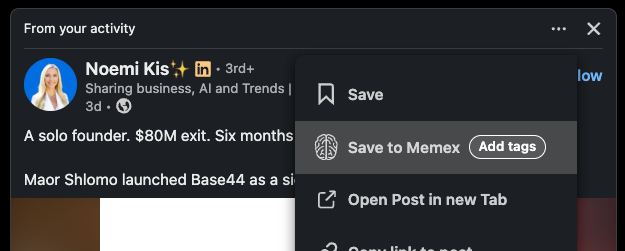
1. Saving LinkedIn posts from the timeline (extension only)

  • Quite tricky to get right. Right now takes a screenshot of the dom elements. Do let me know asap if it breaks as it may be a bit fragile. Good news is that updates now review in the chrome store within 30min unlike 1-3 days with the previous Memex version.

2. Saving any reddit post from the timeline (extension only)

  • still needs a better way to interpret markdown links

3. Saving tweets from the timeline (extension only)

Automatically saves any tweet that is liked, bookmarked or retweeted

4. Improve MCP server response quality

Our MCP server endpoints are now providing more relevant results and instructions for the LLMs and agents to search and retrieve relevant documents

Quality of Life improvements

1. You can now change the range slider values more precisely with text fields

2. Adjust the relevance for the AI search results

  • We are using supermemory.ai under the hood and it seems like their relevance scoring still needs more fine tuning. This already greatly improves your ability to run searches.

3. Extension auto-injects the UI again after updates

So far you had to reload the page for updates to take effect which a) is annoying and b) often leads you to think things are broken because nothing will work.

IMPORTANT: You have to activate the auto injection for this to work. We made it an optional setting because otherwise we’d have much longer review times for the extension bc of chrome security practices. You’ll see a small popup when you activate over the activation area when you’re in a state where the extension does not work bc of outdated versions. You’ll then be lead through a flow to update the auto-inject setting.

4. Save video button in the action bar under youtube videos:

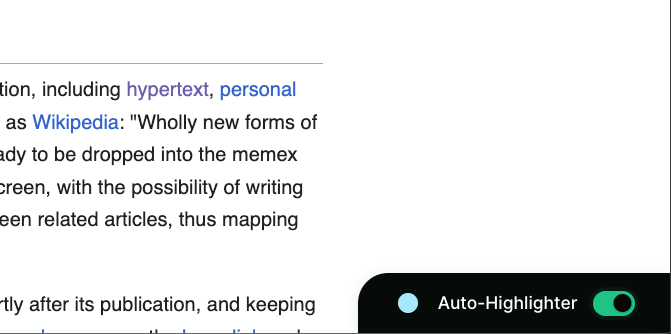
5. Highlighter can now be closed with an X

6. Revamped block list to block keyboard shortcuts, our the sidebar or they highlighting tooltip on current page

Bug fixes:

  • Highlighter appearing when no text is selected

December 23rd, 2025

We have a Christmas present for you: We rebuilt Memex from the ground up.

It turns out we really just needed a break to see things with fresh eyes and understand which features are really important, useful and used - and get back the passion to work on our baby.

So how’s Memex changing?

I believe the future is in the hands of taste makers. In an AI slop world there will be an increasing premium on people can translate their taste into knowledge, content and tools.

Memex is here to support these creators to more quickly understand and capture content valuable to them and fully utilise the curations writing in other tools.

Following those lines we slimmed down Memex to do 3 things:

  1. Capture, annotate and search (full text & semantic) everything you see online: websites, youtube videos, tweets, pdfs & images

  2. Have a Cursor.com-like sidebar to summarize and chat with anything in front of you and all the things you saved in the past

  3. Make all saved content available via Integrations, APIs and MCP servers to integrate it into your AI driven writing and research workflows in other apps! Think: “Write me a draft for a tweet about the honey diet and use what I saved in Memex as a foundation”

What we removed (for now and maybe ever)

  • Sharing and collaboration features. They have not been used enough and added huge amounts of complexity (which made them hard to maintain and extend, and therefore buggy, immature…and not used enough)

  • Our own offline-first sync (a massive source of complications and bugs, but was necessary when we started and nothing existed, now everything smoothly runs via Firebase)

What happens to your existing data and subscriptions?

This is a completely new extension and data backend so your existing Memex will just work like it already does. We’ll soon provide a way to migrate your data over.

If you already have an existing subscription or lifetime plan you can use both in parallel with the same subscription. Reach out to me via the help chat and I’ll help you move over. (Sorry its a bit manual right now)

»»»» DOWNLOAD THE NEW EXTENSION ««««

July 26th, 2024

So much good new stuff!
Please reach out via the live chat or respond to this update if anything does not work, there were lots of changes and moving parts and we’ll fix any bug immediately.

Feature Input needed for Zapier/PKM integrations

We’re planning right now which tools to integrate with next (Zapier, Notion, Tana, IFTTT, Remnote, Evernote etc) and want to know which tools you prefer.
» Please take this 30s poll !

Nested Spaces in the Space selector

Up until now you were only able to create sub-spaces via the dashboard. Now you can do that via the picker too! We’re already working on typing “/” to search and add new Subspaces.

Now you can:

  • Click on the > or on the path above the space name or use on your keyboard to unfold the Spaces

  • + to add a new Subspace to an entry

  • to navigate through the Subspaces.

Edit & Re-Run prompts

You can now easily edit and re-run a prompt if you were not satisfied with the results.

This works on every part of the response.

Auto-Scrolling YouTube Transcripts + Language Selection

Now the YouTube transcripts autoscroll with he video progress & you can select the transcript language too!

Better adjustments with smaller time frames in the video range selector

Now the label will move to the outside of the drag selector if the range is less than 10% of the video.

Invite multiple email addresses to a space at once

Previously you had to tediously type in one address after the other.
Now just comma separate them.

A bunch of improvements to the highlighting tooltip UX

  • Disabling/Reenabling the tooltip will now work without having to reload the page

  • Clicking around on highlight will now work on “Mousedown” making everything aaaa lot snappier

  • Annotation Tooltip can be resized now

  • The tooltip should not go out of bounds anymore and now reposition inside the screen properly.

July 22nd, 2024

Quality of Life improvements

  • GPT-4o-mini is now the default model, deprecating the use of GPT-3.5

    • 34x cheaper than GPT-4o and 60% cheaper than GPT-3.5

    • Comparable performance to gpt-4o

    • Image + Text Support like previously with Claude-3-Haiku

  • Code blocks show up more nicely now, properly scrollable

    • Though not perfect yet, annoating code blocks seems to be more tricky to retain indentation and line breaks than I thought.

  • Readwise sync improvements

    • [[WikiLinks]] are now properly synced over

    • code inline and code blocks now properly synced

      • The are however not properly rendered inside readwise

  • Improvements to UX of auto-add button

    • Better styling and also better tooltip explanations

  • Improvements to the result items UX

    • hover buttons come faster and hover over result if no spaces are there, resulting in less glitchy behaviour

    • Spaces are sorted under the date if there are too many

Fixes

  • Keep the collapsed-note-setting also on items that are added to results via pagination

  • Don’t copy the note if not hovered with cmd+c

  • Fixing hotkey UX of annotating the transcript on YouTube

  • Improvements to detecting when user has upgraded subscription

  • Fix template editor modal not closing when clicking outside of it

  • Fixing highlight color pickers where colors where not editable via the text field

July 1st, 2024

Now you can toggle open the YouTube transcripts with clickable timestamps to jump to the corresponding video section and use time-range filters.

Working Features:

  • Toggle open/close the transcripts

  • Filter time frame of transcript

  • Jump to time in video by clicking on the transcript timestamp

  • Annotate the text of the transcript

Known improvements:

  • By annotating the text of the transcript, add the timestamp to the annotation.

  • Search in Transcript

  • Follow Mode for the transcript scroll

  • AI beautification of sentence structure of transcript.
    Now all just continuous text because of the output from the YT transcript.

  • One-click summarize or use transcript block as annotation

Anything we're missing?

June 28th, 2024

Quality of Life improvements:

Better Highlighting Color UX

  • Create highlight with a color directly via the tooltip on click

  • Change color of existing highlight

  • Use hotkeys to create colored highlights and change the color on existing ones:

    • 1 (default) to 6

  • Edit the highlight colors and labels via the tooltip (click on the edit icon when you hover over it)

Bigger Image Previews

Now you can click on an image in a comment and it will show it to you in the original size

Fixes

  • Fixed rare race condition bug where if you were to sync your data with a new device and use the annotations before the settings are synced over, it would overwrite your highlight colour settings because it would sync back the "defaults".

  • Drag & Drop items into Spaces via the dashboard sidebar has regressed

  • Annotating tables has regressed

June 26th, 2024

Quality of life improvements

  • Your Memex auth state is now synced with the feature/changelog/roadmap board, making it unnecessary to sign up on a separate platform to give feedback or engage in conversations.

  • PDFs are now directly openable via the Google-Search results

  • Big performance improvements for the lists sidebar drag & drop

Bug fixes

  • 2 massive mystery sync bugs that we could finally figure out whats happening and fix

    • Page updates (like changing title) would overwrite the full text field. The same mechanism would make only Tweet title searchable as mentioned here @Full-text index Twitter threads/replies

    • Because of an untested URL normalisation dependency on React Native, in some cases annotations would not be associated with the right page, and thus seem "lost"

  • Fix regression with AI queries not working on Dashboard