Glitches in Inbox results when clearing items one by one
Which browser, operating system and versions of those are you using?
Firefox 119.0 on Ubuntu 23.10Which version of Memex are you running?
Memex 3.8.22What are the steps you took that lead to the bug?
Sometimes I have a lot of items in the Inbox:
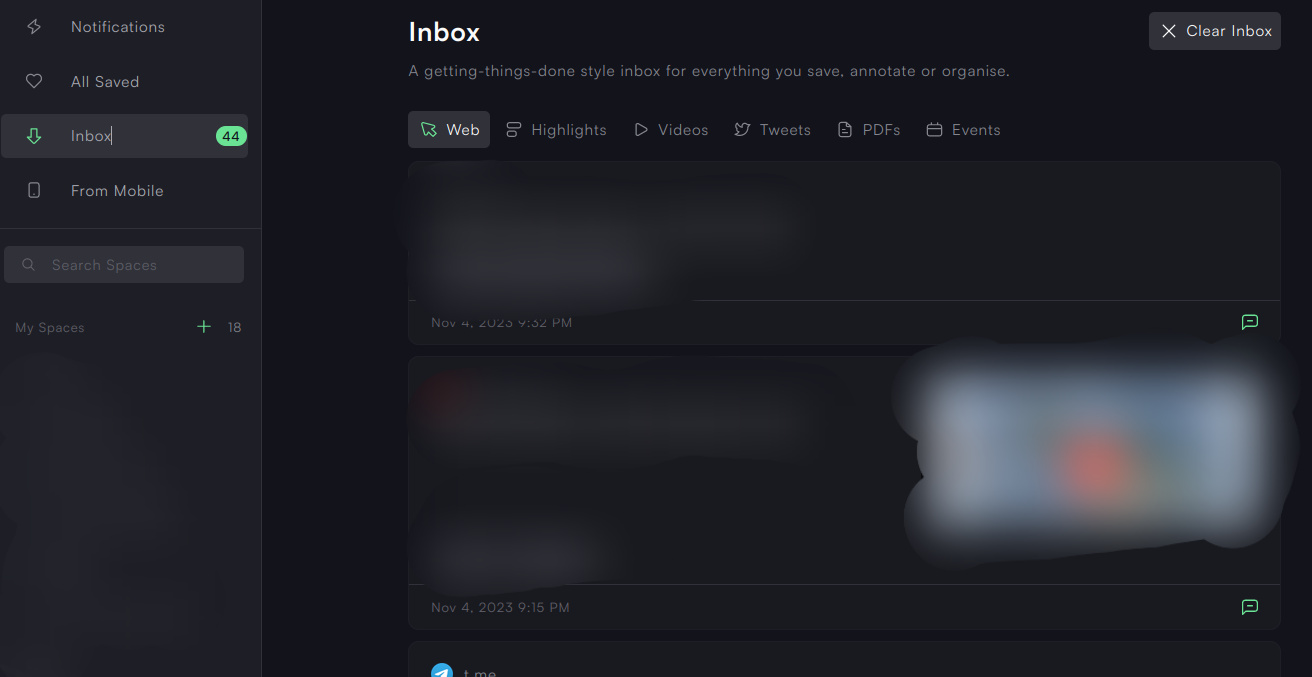
I clear each item one by one after I've checked it to see if I needed to do anything else with it (change Spaces, add notes, share, etc...), I do that until there are no more items visible.
Unfortunately when I'm done I can see on the counter next to the Inbox that there are still items there :
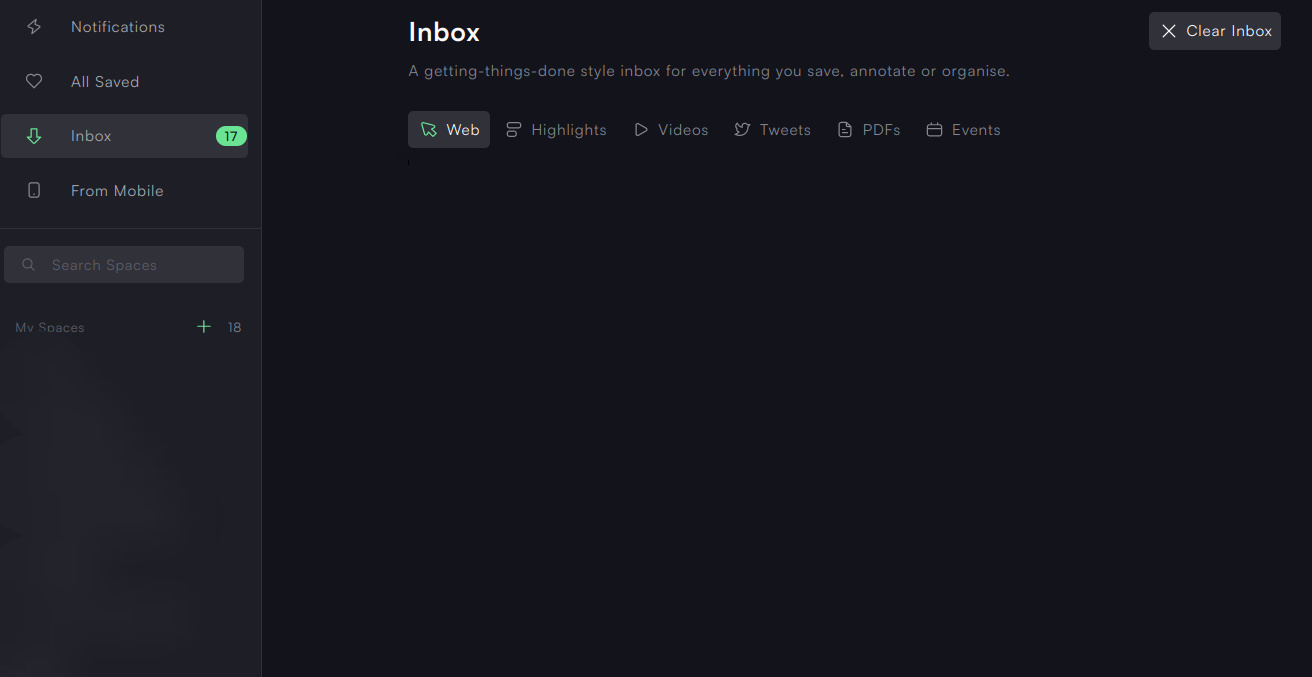
So I click on "All Saved" then "Inbox" again and I can see the remaining items :
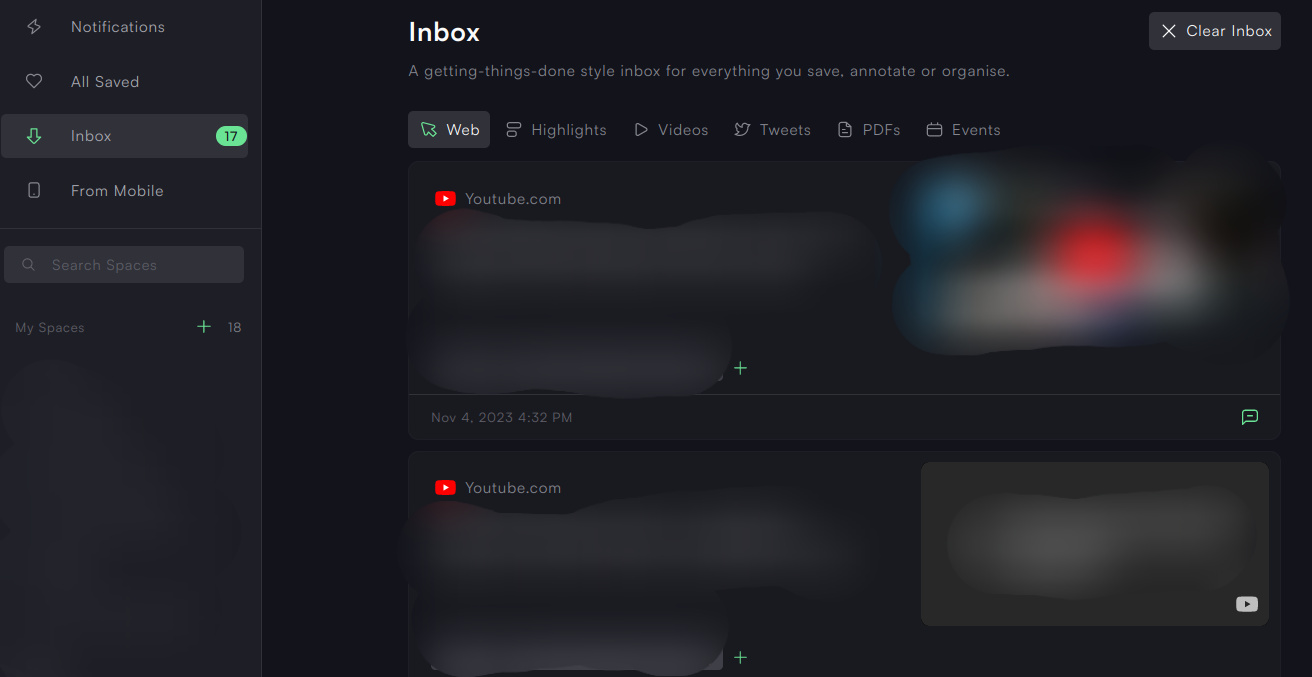
So I continue clearing them one by one and the same thing happens before I reached the end of all items :
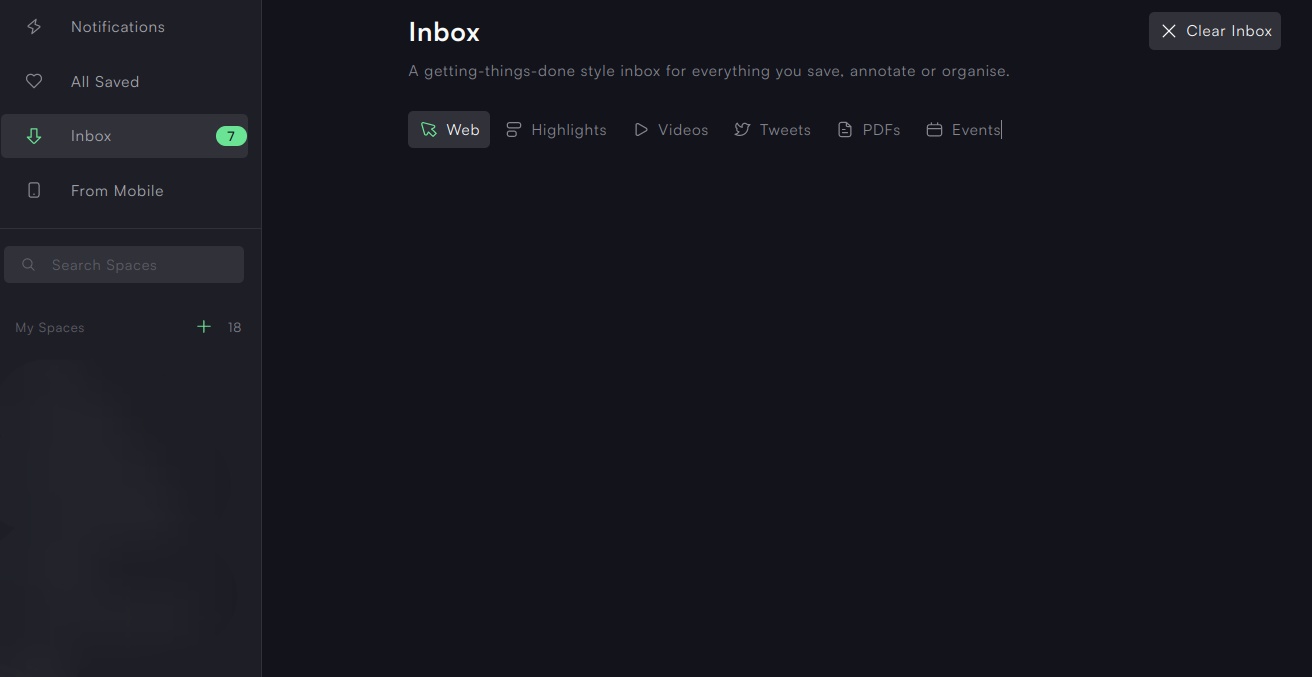
One more time I have to click on "All Saved" then "Inbox" to see the remaining items appear :
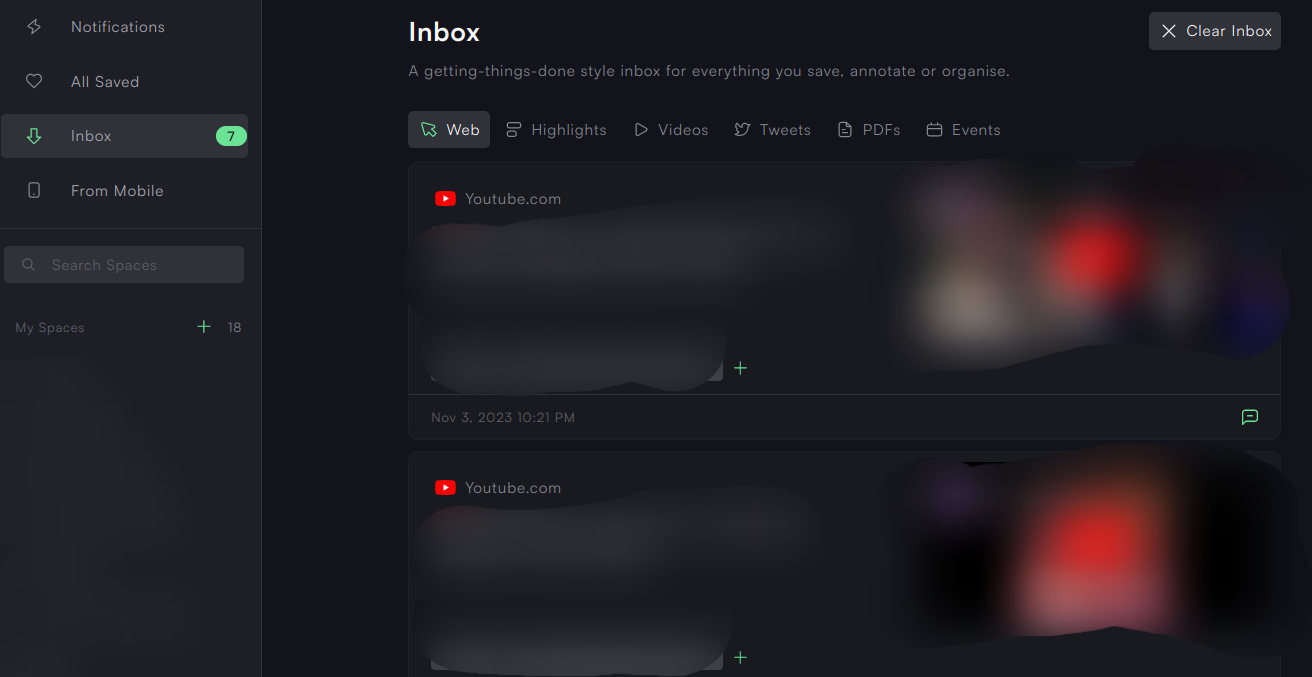
Then I can finally clear them, one after the other, until there are no more left in the Inbox.
I've seen these glitches happen also in the mobile Inbox "Saved from Mobile" although it's harder to see because there is no counter.
And I've also seen this same problem in the past, months ago, when I needed to delete many items, one by one, from general search results.
I would say that it is a common bug I've noticed using Memex for some time.
Comments12
Oliver Sauter
Nov 10, 2023
Fixed and already in review! Will be live with 3.8.25.
Oliver Sauter
Nov 10, 2023
Ah and also made it muuuch faster. Now it takes a fraction of a second to clear the inbox. Before it was a bit inefficient.
[Deleted User]
Nov 13, 2023
Hi Sauter, Could you please explain what's the usage of inbox? I'm confused when my page gets sended to the inbox, and what should I do with it
Oliver Sauter
Nov 13, 2023
Whatever you do, please don't use the "clear inbox" button. There is a bug that removes all list entries from al lists.
Currently investigating.
[deleted]
Nov 13, 2023
Oliver Sauter
Nov 13, 2023
Just updated it on Firefox and it also contains the fix (and triple tested that).
However, just to note, we had to disable the list-entry-deletion sync until we can release the fix on chrome which will take until it is out of review.
So if you use the "clear inbox" feature or remove list entries manually it will not sync to the other extension you may have you have to repeat that action there.
Anonymous User
Nov 22, 2023
This bug is still happening when I have relatively many items in the Inbox.
I have Firefox 119.0.1 and Memex 3.8.32